What Is a Streaming Mixer and How Does It Work?Audiences forgive a fuzzy picture far more quickly than they forgive a lousy sound. Your audience can tune out to radio static, a loud game sound effect, or a high-pitched shriek in seconds. A streaming mixer fixes those problems for you. No matter if you stream on YouTube, Facebook, or Twitch, create a podcast, give remote music lessons, or perform in your home studio, a streaming mixer takes your voice, instruments, background tracks, and computer audio at your fingertips.
In this guide, we explain what a streaming mixer is, how it works, how it differs from similar gear, and what to look for before you buy.
Streaming Mixer vs. USB Mic vs. Audio Interface
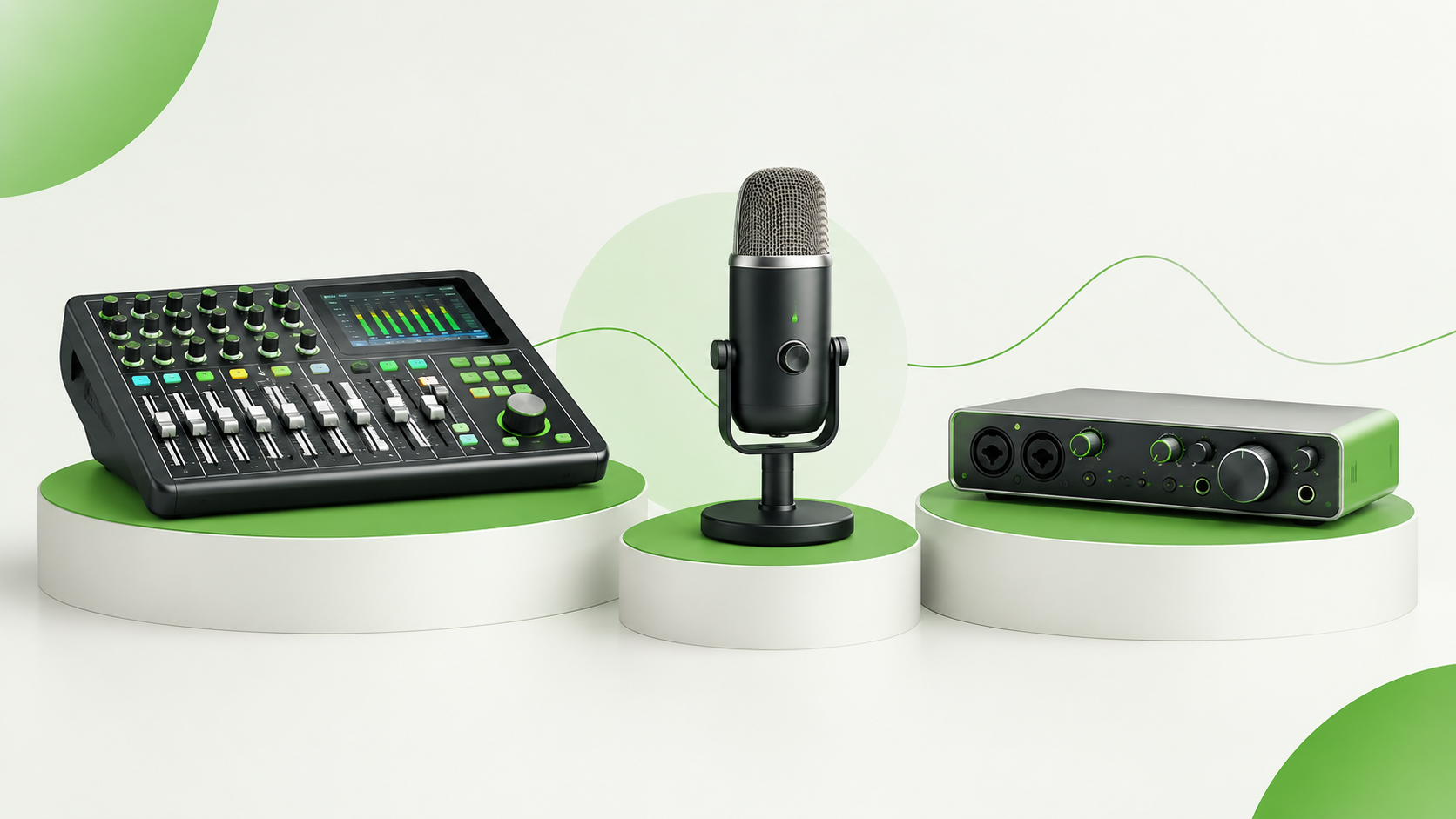
USB microphones do a great job with your vocals, but they cannot manage the game audio, Discord, music, and alerts separately through hardware. An audio interface is used to convert signals from microphones and instruments into digital audio and provides great preamps and low latency, but it has limited functionality with respect to mixing, equalization, and loopback. Streaming mixers are right in the middle. They serve as interfaces for recording and streaming, as well as mixers to properly manage audio for the benefit of your listeners. If you plan to talk into one microphone all the time, you can probably stick to the USB mic. However, if only for once you introduce another microphone, an instrument, music beds, or a guest, then a streaming mixer becomes your new best friend.
Step by Step Guide on How a Streaming Mixer Works
The easiest way to understand a streaming mixer is to follow your audio signal from your voice to your viewer’s ears.
- The sources are fed into the mixer. You connect your microphone to the XLR input jack; here the signal from the microphone is amplified by a preamplifier to bring the very weak signal to the audible range. Condenser microphones require 48V phantom power supplied through the mixer with a push of a button. There are separate inputs for guitars, keyboards, and phones.
- Each channel is processed. All channels have gain control and EQ; additionally, most streaming mixers have a compressor. Yamaha AG06MK2, for instance, has an integrated compressor, EQ, reverb, and guitar amp simulator. Since the processing occurs in the hardware, you can free your computer processor for the game or the stream encoding.
- Channels are mixed into a mix. Levels are adjusted using faders and knobs to establish a balance between voice, instruments, and other sources and then summed into a stereo mix.
- The mix is converted to the digital form. Integrated converters convert the analog mix to USB audio; AG06MK2 provides, for example, 24-bit/192 kHz stereo USB interface. The mixer will be recognized as an audio device by your computer that you’ll select in OBS or other streaming software.
- The audio on your computer gets routed back to the mixer. The music, game sounds, and your guest’s voice get routed back to the mixer using the same USB cable where you listen to them via your headphones and, if the loopback is turned on, mixed into the stream.
- You monitor what’s happening live. Since the headphone output is coming directly from the mixer, you will not have any latency when listening to your voice. For example, some mixers like Audio-Technica AT-UMX3 provide the functionality to mute your mic audio on your headphones only.
What to Look For Key Features
- Number of microphone inputs: One or two is best for solo producers; for podcasts with multiple hosts, four is necessary.
- Phantom power supply: This is required when using condenser microphones.
- Loopback and mix-minus: Two functions that make a mixer suitable for streaming.
- Mechanical controls: Faders and mute buttons enable instant response without having to alt-tab. Some mixers also offer sound pads for sound effects and jingles.
- Requirements for operation and mobility: The AG06MK2 works on power from USB-C interface at 900 mA. It can operate from power banks.
- Drivers for software integration: Ensure compatibility of your device with drivers of your operating system and streaming program.
Common Mistakes to Avoid
The biggest of these mistakes include doubling up your computer sound, ending up in a feedback loop due to looping or return controls, and turning your gain too far up so the voice sounds distorted. Other common mistakes include purchasing more channels than you require. A small two-mic mixer with a loopback can often be more suitable for a solo creator than a large desk with additional features.
Who Needs a Streaming Mixer?
Benefits to Game Streamers include separate control over the game, chat and voice. Podcasters enjoy easy to use multi-mic configuration and clear sounding guest voice recording. Musicians are able to mix vocal, guitar and background music for their online live shows. Teachers and religious or other community broadcasts receive a single compact box instead of cable spaghetti.
Also Read: Top 10 Streaming Mixer Brands In India
Conclusion
A streaming mixer has the option to take a mountain of speakers and combine them into a single flexible broadcast. By having the knowledge about loopback, mix-minus and the simple signal flow, selecting a suitable model is much easier. It becomes more about the input number, routing options and budget can be matched to the content you plan to produce. About Amrit Music For more than 50 years, Amrit Music has been serving musicians, creators and DJs with the instruments, amplifiers and other equipment including Yamaha, Roland, Boss and Zoom.Come see us today!
FAQs
How is a streaming mixer different from a regular mixer?
Regular mixers are designed for live sound with no real way to return the sound from your computer. A streaming mixer provides two-way USB audio, loopback, mix-minus and a one-touch voice processor, allowing computer sound and guests to be mixed easily without software routing.
What does loopback do?
Loopback brings the computer’s sound (music, game sound, a zoom or Skype call, etc.) into the mixer and mixes it with your microphone, then sends one stereo return mix over USB so your viewers hear everything together without echo.
What is mix-minus and why do I need it?
Mix-minus creates a separate mix for each guest minus the guest’s own voice. Without it, guests will hear an echo of themselves with a long delay. It’s critical for remote interviews, live podcasts and multi-person video chats.
Do I need phantom power?
+48V phantom power is only needed for condenser microphones, which are the most popular type for streaming. Dynamic microphones do not need phantom power. Refer to your microphone’s specs to make sure, and select a mixer with phantom power available on its XLR inputs.
How many microphone inputs should I get?
Solos typically only need one or two inputs, and you might need a few more if you’re hosting a co-host or guest on your show. Get a mixer with a few more inputs than you need so you’ve got room to expand, for example by adding an instrument or a second mic.